01. Design Only
Creating User-Focused Experiences
Perfect if you have an up to date Content Management System and a development in house team all you need the Visual Design and UX Expertise.
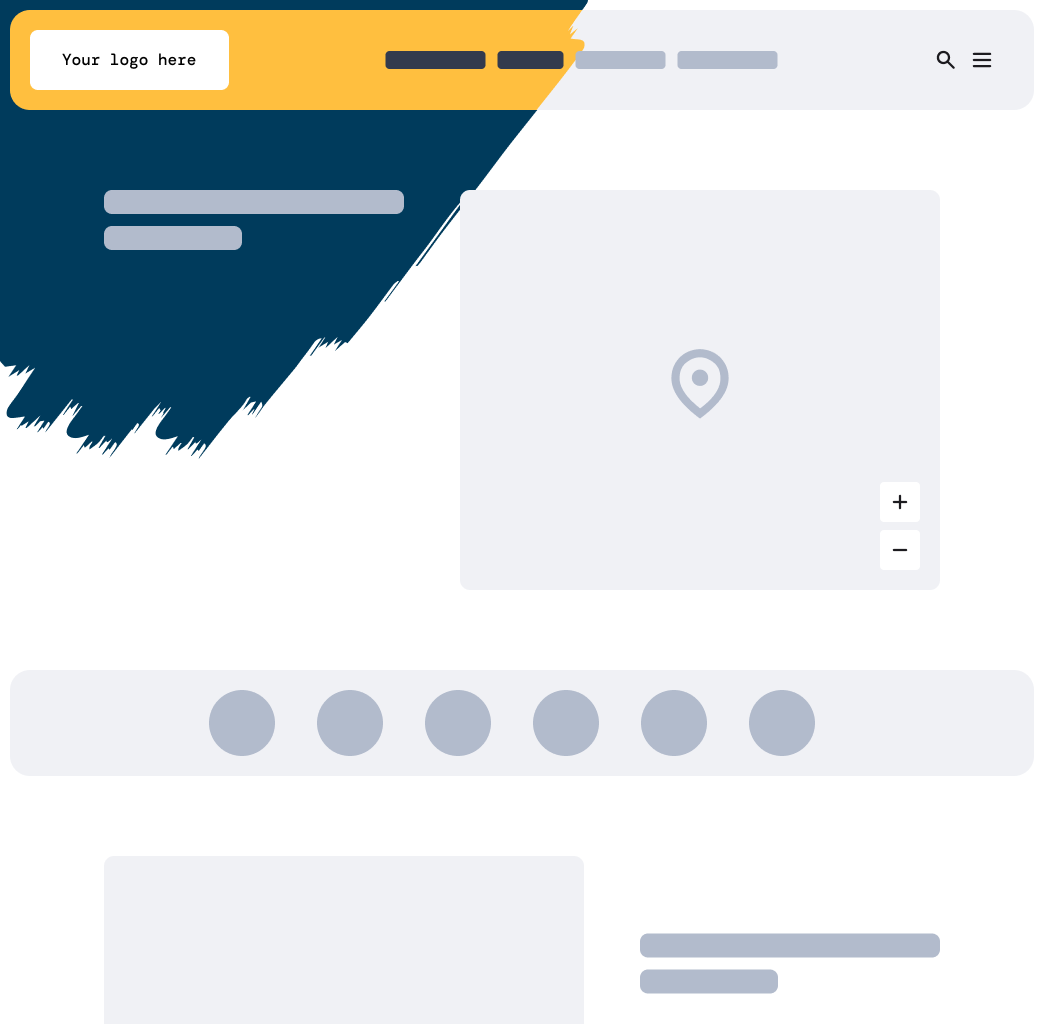
We're committed to enhancing the user experience by refining UX and IA, and crafting new visual designs. These designs are prepared for your developers to implement. Through expert-led workshops, we ensure alignment of goals, users, and information architecture, delivering industry reviewed visual design for emergency management needs.
Future-Proof Designs
Our designs are CMS-agnostic, offering solid guidelines on setup and structure, based on our work with National Emergency Management Agency NEMA.
Effortless Integration
We facilitate a smooth development process with a comprehensive handover and thorough post-launch reviews.
What You'll Receive
Workshops that align goals and tasks.
Visual designs with robust Information Architecture.
Expert CMS setup and configuration advice.
A prioritised plan for development and handover.
Detailed post-launch design assessment.
02. Design + Build
User-Focused Design Initiatives
Select this option, if you want us to design, build and support your website.
Once we've developed your visual design and Information Architecture, we implement these enhancements on your current Umbraco site. We'll carry out a code review and provide best practice recommendations for site security and performance. After project completion, your team can manage the site independently, with additional support options available if needed.
Tailored Development
Our comprehensive website solutions include custom components, templates, and a well-defined development roadmap.
Cooperative Development
Designers and developers collaborate seamlessly to ensure a smooth experience, with regular design reviews to maintain accuracy.
Empowering Your Team
We provide training and documentation to ensure your team can confidently manage your new website.
What You'll Receive
Thorough discovery and design workshops.
Comprehensive design (IA, UX, visual) with custom templates.
A new website for your Emergency Management needs
Training and documentation for your team.
03. Templated Design + Build
Select this option if you'd like a templated Emergency Management website
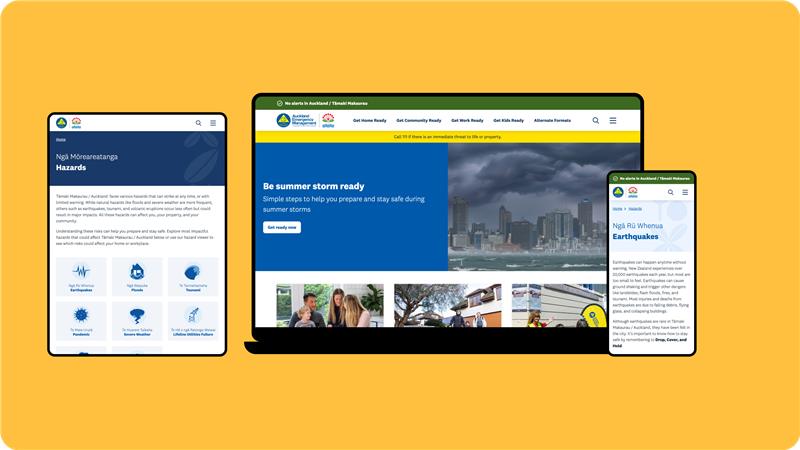
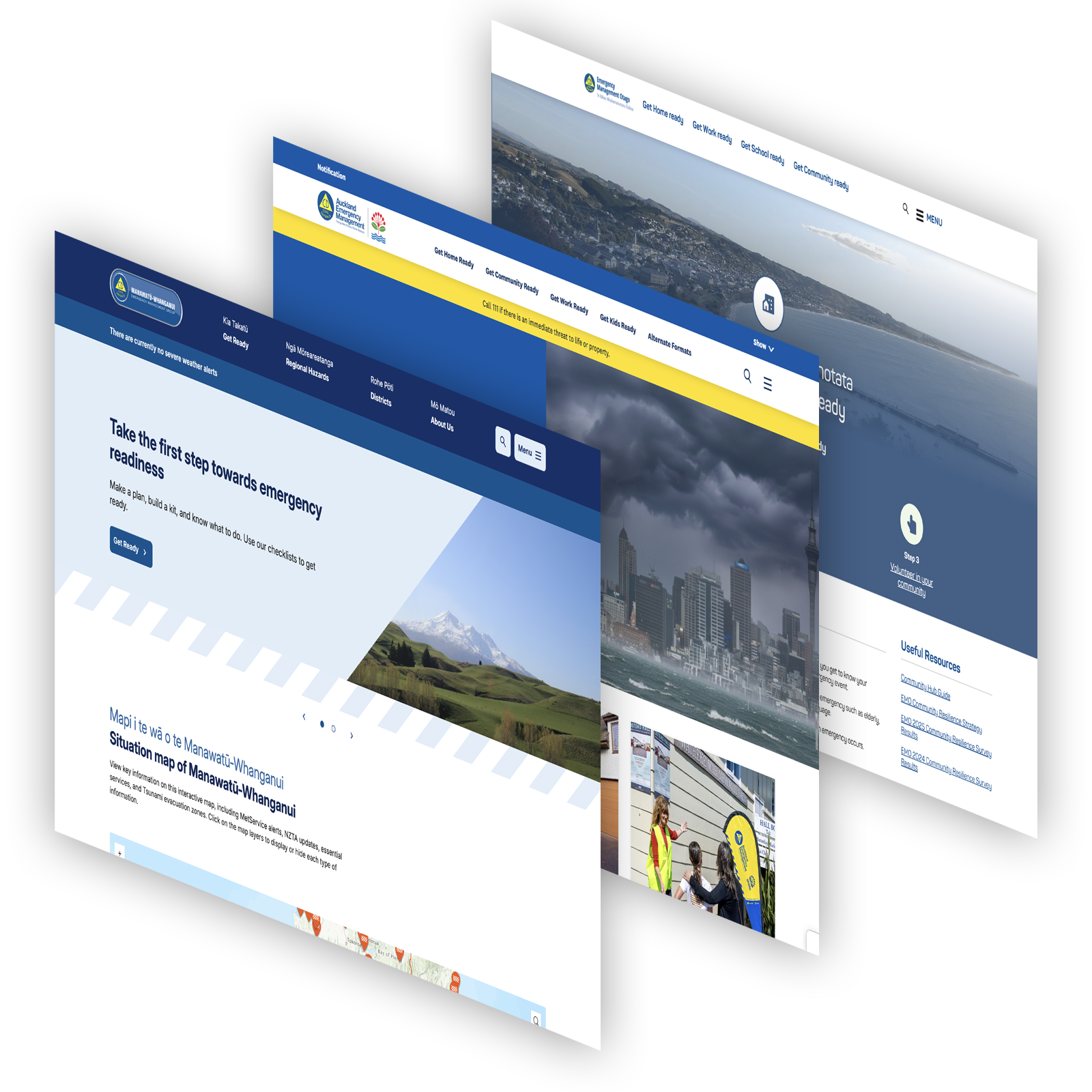
Our templated EM Site offers a rapid deployment option with your branding. Used by groups across New Zealand, it's a proven method for easy and quick site launch with simplified content creation.
Smooth Setup and Launch
We support every step of the way, from configuration to IT coordination, ensuring a smooth go-live experience.
Customisable Flexibility
Receive user training, comprehensive guides, and custom development options to fit your unique needs.
What You'll Receive
Ready-to-launch templated EM website.
Organisation-branded setup for all your pages
Ready-to-use content blocks with example content
Allowance for necessary customisations.
Complete go-live support, training, and guides.
04. Responsive Mode (Optional add on)
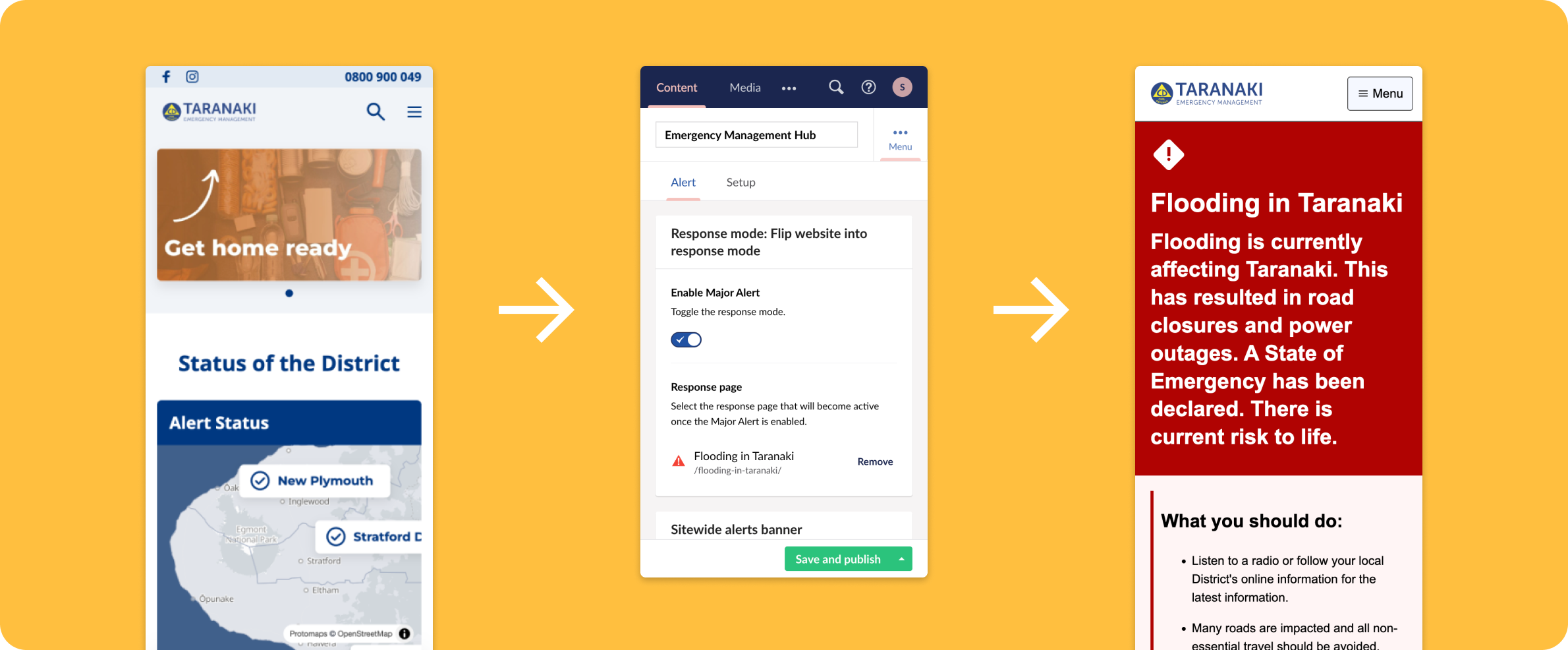
Developed with NEMA, our Response Mode package ensures your website is clear and effective during emergencies, adhering to best practice guidelines. This systematic approach to emergencies can be applied to any new or existing CMS in the country.
Ready-to-Deploy Solutions
Easily integrate our Umbraco Response Mode package into your existing site for efficient rollout.
Team Support
We offer training and resources to help your team manage Response Mode effectively.
What You'll Receive
Proven, templated response system ready for use.
Consistent features shared across multiple groups.
Visual designs and/or a ready-to-install package.
Training and support for effective implementation and management.